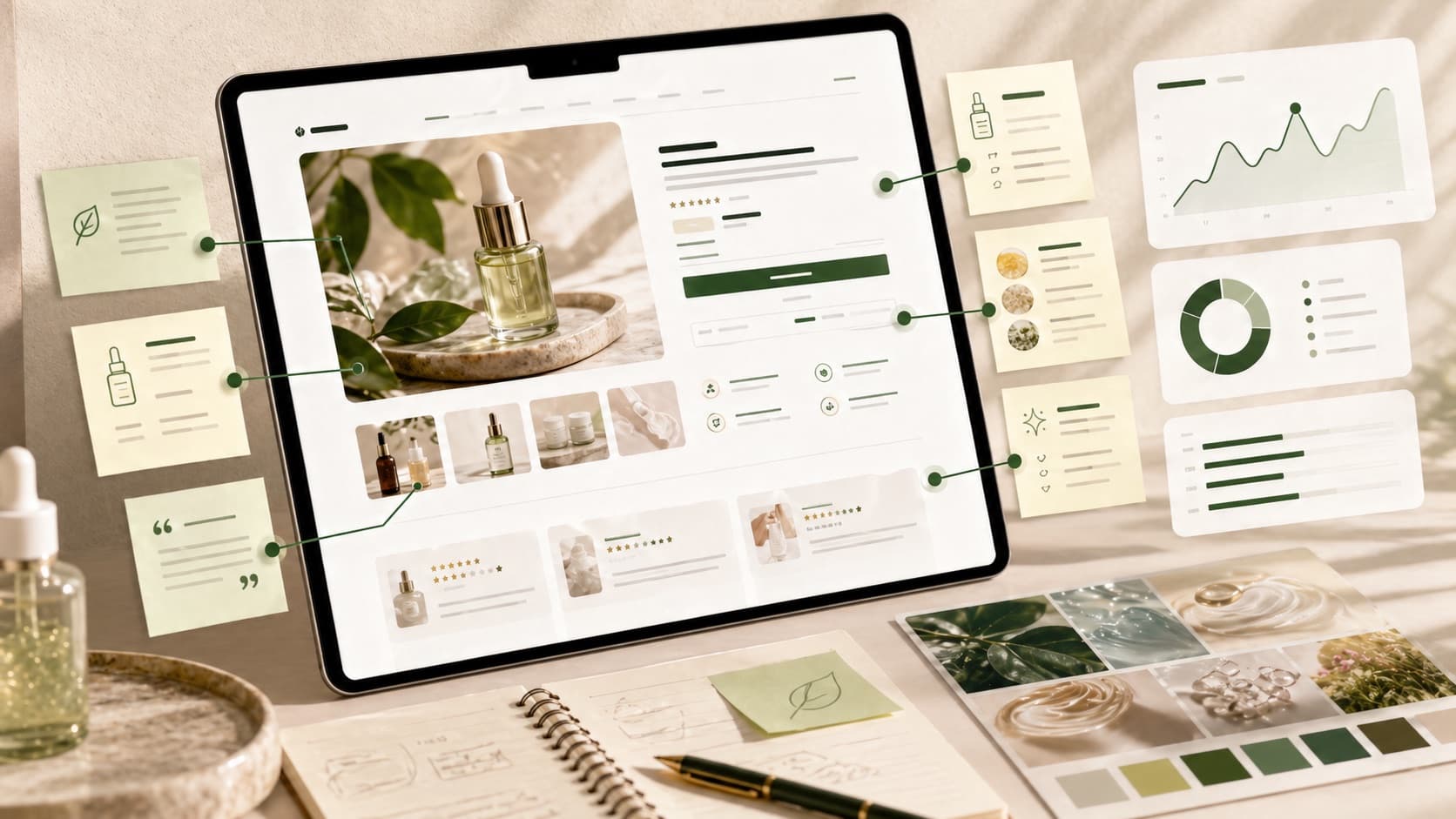
Part 1: Storefront signal scan
Fill this out before writing new ads.
| Signal | What to capture | Notes |
|---|---|---|
| Product being tested | Product, bundle, or collection | |
| Core claim | What the page says the product helps with | |
| Proof | Reviews, ingredients, materials, demos, results, certifications | |
| Buyer objection | What a buyer may hesitate about | |
| Customer language | Phrases from reviews, FAQs, comments, or support | |
| Offer | Discount, bundle, shipping, guarantee, trial, bonus | |
| Price friction | Why the price may feel high, risky, or confusing | |
| Product friction | Sizing, usage, sensitivity, compatibility, setup, timing | |
| Existing creative | Ads already live for this product or angle | |
| Current account issue | Need more tests, fatigue, pruning clutter, scaling decision |
Part 2: Turn signals into test angles
Create 3 to 5 possible angles. Each angle should be tied to a real signal from the store.
| Angle | Storefront evidence | Buyer question | Hook direction | Format | First success signal |
|---|---|---|---|---|---|
Examples:
| Angle | Storefront evidence | Buyer question | Hook direction | Format | First success signal |
|---|---|---|---|---|---|
| Ingredient proof | PDP repeats two hero ingredients | "Does this actually work?" | Show the ingredient and the result it supports | 15-30s video | Higher hook rate than current generic demo |
| Objection handling | FAQ mentions sensitive skin concerns | "Will this irritate me?" | Lead with the hesitation, then proof | Founder or UGC video | Better outbound CTR and add-to-cart rate |
| Routine simplification | Store sells a bundle/routine | "Which product should I start with?" | Show the 3-step path | Carousel or short video | Better conversion rate than single-SKU ad |
Part 3: Choose the first real test
Do not launch every angle at once if the account cannot learn from it.
If your team is mostly debating whether it needs more creative volume or a cleaner operating loop, read AI Ad Generator vs Creative Testing Workflow before adding more variants to the backlog.
Choose the first test by asking:
- Which angle is backed by the strongest storefront proof?
- Which buyer objection appears closest to the purchase decision?
- Which product or offer matters most this week?
- Which test can be produced without slowing down the team?
- Which result would change next week's decision?
Recommended first test:
| Field | Answer |
|---|---|
| Product or offer | |
| Angle | |
| Evidence from store | |
| Hook | |
| Format | |
| Asset needed | |
| Launch date | |
| Owner | |
| Success signal | |
| Watch signal | |
| Prune signal | |
| Refresh idea |
Part 4: Define the weekly decision rules
Before launching, decide how the ad will be reviewed.
Use four buckets:
Scale
The ad has enough signal, supports the current business priority, and is performing better than the account baseline or target.
Watch
The ad is too early or mixed. It needs another review cycle before a major decision.
Refresh
The angle is useful but the execution needs a new hook, visual, proof point, or creator.
Prune
The ad has had a fair test and is adding spend waste or account clutter.
Part 5: Weekly review template
Use this at the end of the week.
| Question | Answer |
|---|---|
| What did we launch? | |
| What did we learn? | |
| What scaled? | |
| What needs to be watched? | |
| What needs to be refreshed? | |
| What should be pruned? | |
| What storefront signal should shape the next test? | |
| What is the next test worth running? |
Example decision log
| Ad or angle | Decision | Why | Next action |
|---|---|---|---|
| Ingredient proof video | Scale | CPA is below target and CTR is stable | Keep live and monitor frequency |
| Discount-first static | Prune | Weak CTR and no purchases after a fair test | Pause and remove from active review |
| Sensitive-skin founder video | Refresh | Strong early performance, now CTR slipping | Test a new first frame and tighter hook |
| Routine bundle carousel | Watch | Promising add-to-cart rate, not enough purchase signal | Recheck after more spend |
Part 6: Copy this into your next weekly meeting
Use this agenda:
- Review last week's launched tests.
- Mark each ad scale, watch, refresh, or prune.
- Identify one fatigue warning.
- Identify one storefront signal that has not been tested.
- Choose the next test.
- Assign the asset owner and launch date.
The point is not to create a bigger spreadsheet. The point is to keep the testing loop moving.