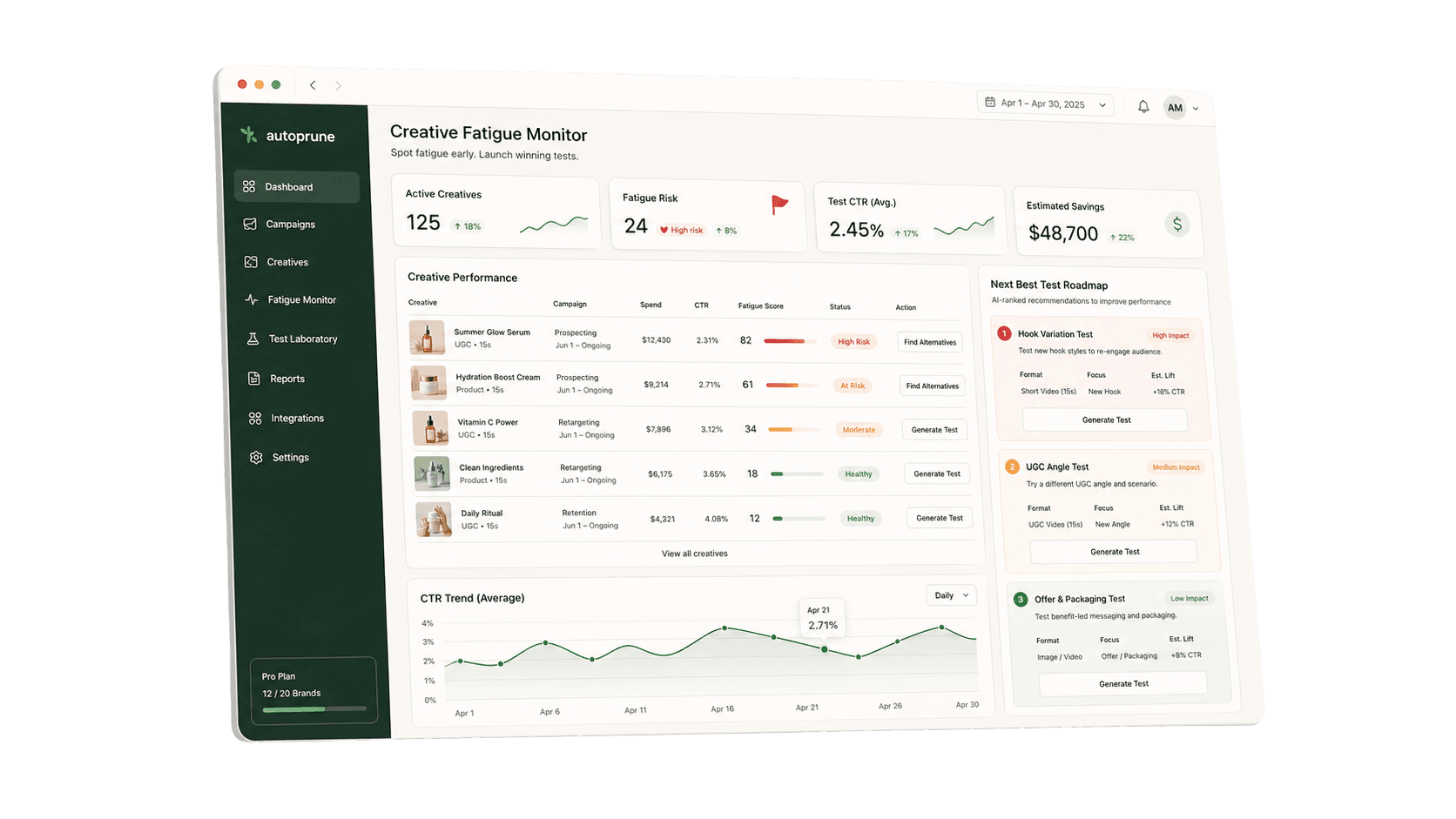
1. Start with the right view
Pull an ad-level view for the last 7 days and compare it with the prior 7 days. Do not make pruning decisions from campaign totals alone.
For each active ad, capture:
- Spend
- Purchases or primary conversion event
- CPA or cost per purchase
- ROAS if it is reliable for your account
- CTR or outbound CTR
- CPC
- Frequency
- CPM
- Hook rate or thumb-stop rate if you track video
- Landing-page conversion rate if available
- Creative angle
- Offer or product promoted
- Launch date
- Last meaningful edit
The goal is not to build a giant report. The goal is to see whether performance changed because of the creative, the offer, the page, the account structure, or normal noise.
2. Label every ad before making changes
Put every active ad into one of five buckets.
Scale
The ad is still efficient, has meaningful spend, and supports the current offer or product priority. Keep it live and consider giving it more room.
Watch
The ad is not clearly a winner or loser yet. It needs more spend, more time, or one more review cycle.
Refresh
The angle is still useful, but the current execution is getting tired. Keep the learning, change the hook, visual, proof point, or first three seconds.
Prune
The ad has had a fair shot and is creating clutter or wasted spend.
Diagnose
The ad looks bad, but the problem may not be the creative. Check the product page, offer, tracking, stock status, discount, comments, or recent campaign changes before pruning.
3. Prune only when the evidence is clear
Pruning too early can kill tests before they have enough signal. Waiting too long can let weak ads keep spending because nobody wants to make the call.
An ad is a stronger prune candidate when several of these are true:
- It has spent enough relative to your target CPA to judge.
- It has weak CTR or hook rate compared with your own account baseline.
- It has no conversions after a fair test window.
- CPA is materially worse than target and not improving.
- Frequency is rising while CTR or hook rate is falling.
- The same angle has a cleaner winner already live.
- Comments, landing-page behavior, or customer feedback show the message is missing.
- The creative depends on a promo, product, or claim that is no longer current.
Do not prune only because an ad is new, has not spent yet, or had one bad day.
4. Watch for fatigue separately from weak creative
Creative fatigue and weak creative are not the same problem.
A weak ad usually fails early. It never earns attention, never converts, and does not create a useful signal.
A fatigued ad usually worked first, then started decaying. The pattern often looks like this:
- Frequency rises.
- CTR, outbound CTR, or hook rate falls.
- CPA gets worse.
- The offer, landing page, and campaign structure did not change enough to explain the drop.
If the ad was never strong, prune it. If it was strong and now looks tired, refresh the winning angle before throwing it away.
5. Refresh the smallest useful part
When an ad is fatigued but the angle still makes sense, do not rebuild everything by default.
Try one focused refresh:
- New opening hook
- New first frame
- New product proof
- New creator or UGC clip
- New objection handled earlier
- New offer framing
- New product bundle
- New testimonial or review angle
- New visual demonstration
Keep the reason for the refresh clear. If you change everything at once, you may not learn what actually helped.
6. Pull the next test from storefront evidence
Before brainstorming generic ad ideas, inspect the store.
Look for:
- Product claims repeated across PDPs
- Reviews and customer language
- FAQ objections
- Ingredient, material, or product proof
- Bundles and routines
- Price, shipping, or guarantee friction
- Before/after expectations if compliant for the category
- Competitor comparisons customers already imply
- Product pages with high traffic but weak conversion
Turn those signals into one testable angle at a time.
Example:
- Storefront signal: Customers ask whether the product is too strong for sensitive skin.
- Angle: "Sensitive-skin proof."
- Hook: "A routine for skin that reacts to everything."
- Format: 15-30 second video.
- Success signal: Better hold rate and lower CPA than the current generic product demo.
7. End the review with a decision log
Your weekly review should produce a short decision log, not a messy dashboard.
Use this format:
| Ad or angle | Decision | Why | Next action |
|---|---|---|---|
| Ingredient proof video | Scale | CPA below target, CTR stable, frequency still manageable | Keep live and monitor next week |
| Discount-first static | Prune | Weak CTR, no purchases, better offer angle already live | Pause and remove from active review |
| Founder story UGC | Refresh | Worked for two weeks, now CTR falling as frequency rises | Test new first 3 seconds |
| Routine bundle carousel | Watch | Early spend, promising add-to-cart rate | Recheck after more spend |
8. Keep the account cleaner than the idea backlog
The best Meta teams do not just create more ads. They keep the weekly loop moving.
Every week, make sure you can answer:
- What did we learn?
- What did we prune?
- What did we keep watching?
- What did we refresh?
- What did we launch next?
If those answers are unclear, the workflow is the bottleneck.